





Fast removal
Get a transparent background in just a few moments.
or click to upload
Supports JPG, PNG, WebP • People, products and objectsGet a transparent background in just a few moments.

Erase, restore, and refine the edges with simple tools.

Your image is sent securely for background removal.

Remove up to 5 image backgrounds each day at no cost.
NoBG removes the background automatically and gives you simple tools to correct areas that need attention.


Move each slider to compare the original image with its transparent background result.





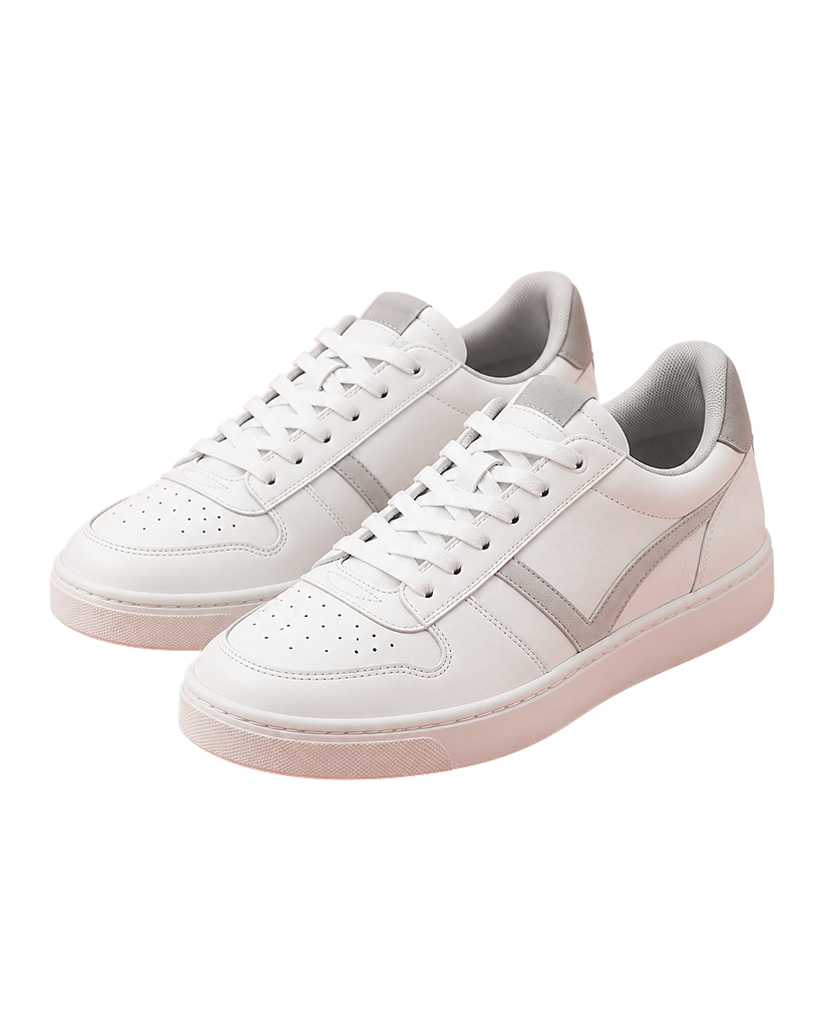

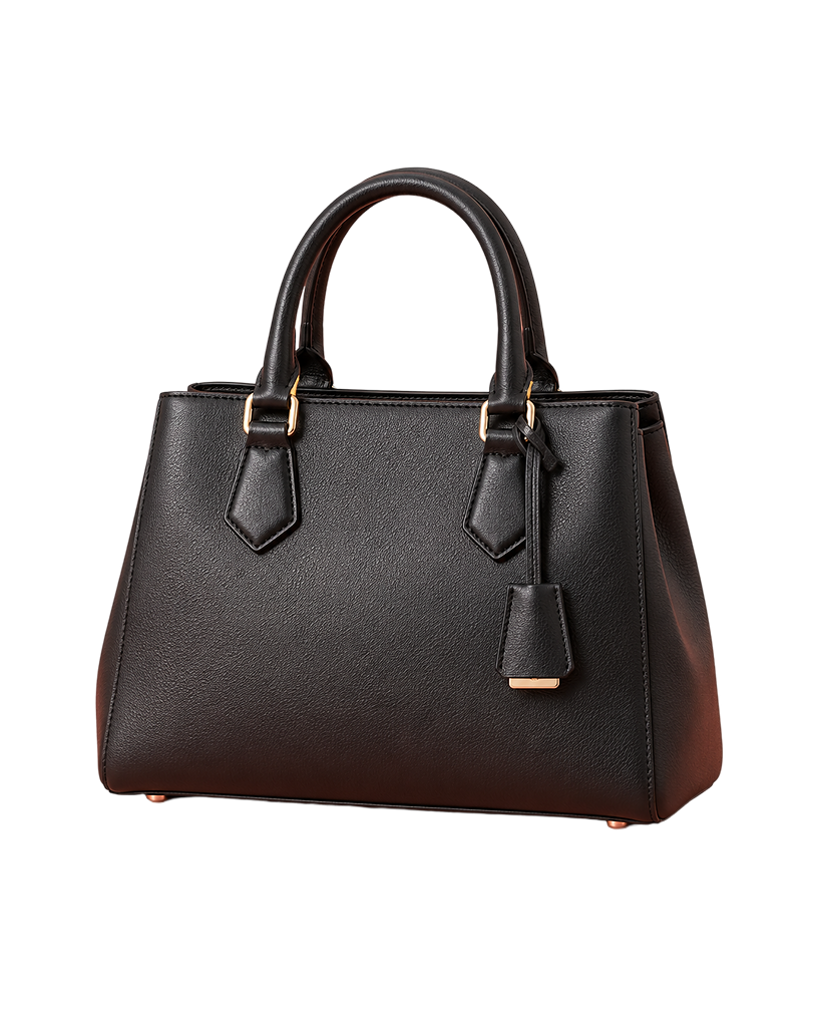
Use a clear photo where the person, product, pet, or object stands out from the background. Good lighting and a simple background usually produce cleaner edges.
Yes. Your image is sent securely for background removal. It is not added to a public gallery or MTC image library.
Some image viewers display transparent areas as black. Use the Transparent, White, or Black preview options to inspect the result before downloading.
Yes. You can remove up to 5 image backgrounds each day at no cost.
You can return the following day. Your daily allowance resets automatically.
NoBG supports JPG, PNG, and WebP images up to 25 MB.
Yes. Use Erase, Restore, Magic Erase, Magic Restore, or Clean Edges to adjust areas that need attention.
Your finished image will be downloaded as a transparent PNG with no watermark.
Yes. Sign in securely with Google before uploading an image. This helps protect your access and keeps your plan usage connected to your account.
Start free today. More monthly options are being prepared.
5 images per day
100 images per month
500 images per month
2,000 images per month
Built around your expected volume
Contact UsPaid plans renew monthly through PayPal. You can manage or cancel your subscription from your PayPal account.
NoBG By MTC is a free online background-removal tool from MTCCORE. It was built to make removing image backgrounds simple and accessible without complicated editing software.
NoBG is part of MTCCORE, a growing collection of practical digital tools and projects.
For questions, problems, or feedback, contact the NoBG support team.
When reporting a problem, include your browser, device, and a short description of what happened. Please do not email private or sensitive images.
Use your Google account to upload images and keep your NoBG access secure.
By continuing, you agree to the Terms and acknowledge the Privacy Policy.
Your subscription renews monthly until cancelled. Manage it from your PayPal account.